SAP Archiving Services

Stop Paying to Keep SAP History Nobody Uses

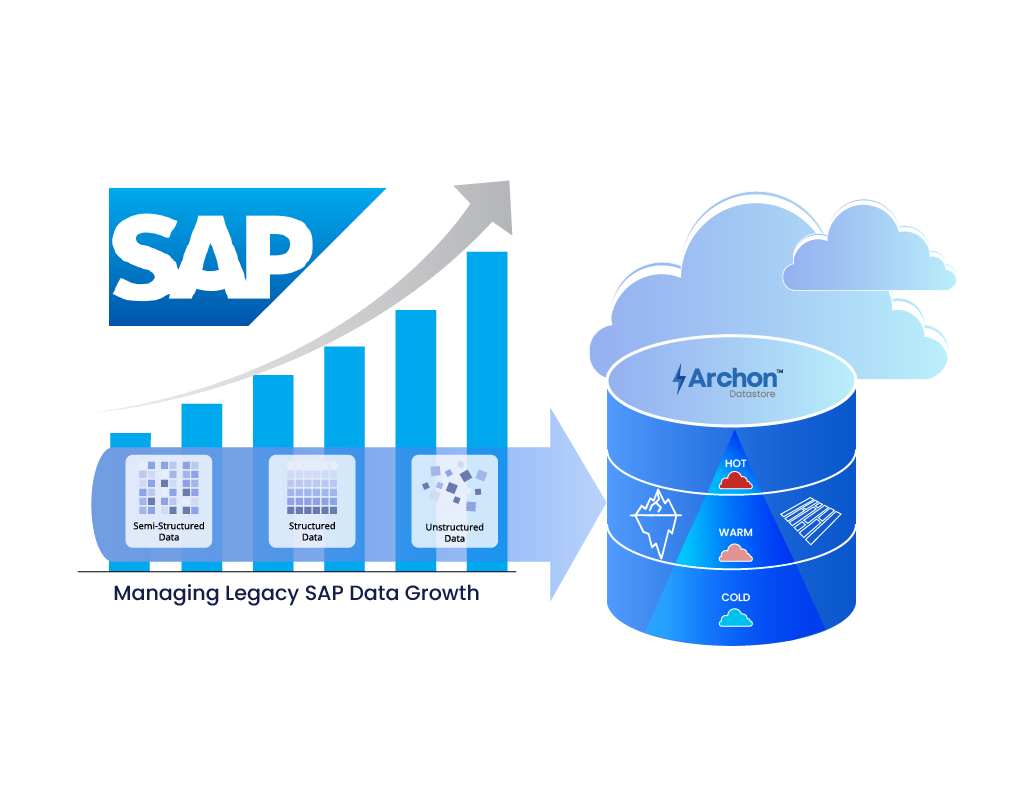
Old SAP data fills the HANA memory you pay for and slows your S/4HANA conversion. It also keeps a read-only ECC alive just for auditors. Archon’s SAP archiving solution moves it out, keeps it searchable, and lets you switch old systems off.


Trust Row:
ISO 27001
SOC 1 and SOC 2 Type II
Workflow diagram of Archon data flow: SAP estate inputs to Archon Analyzer and Archon ETL, then Archon Data Store with WORM, retention, and legal hold, ending in dashboards and visualizers.

Archon ArchiveLink Is Now Available on SAP Store

Explore our trusted SAP solution for secure data archiving, historical access, and SAP system decommissioning.

37 TB

Cut from an SAP ECC and BW landscape before S/4HANA

40 %

Smaller SAP database for a global apparel enterprise

$1.3M

Saved in storage costs in the same program

Zero

Records lost across 27 TB of migrated SAP content

The Challenge

What Old SAP Data Is Costing You

A Slower, Costlier S/4HANA Move

Every terabyte of old FI, SD, MM, and HR data adds conversion runtime, downtime, and HANA sizing.

A HANA Bill Inflated by Attachments

GOS files and scans pile up in SOFFCONT1. In one landscape, they were 27 TB of the 37 TB removed.

An ECC You Can't Switch Off

ADK files only open through SAP, so many teams keep ECC running for occasional lookups.

Channel Coverage

Every SAP Record, One Place to Find It

With Archon’s SAP archiving solution, your teams search SAP data, documents, and ADK archives in one place. None of it depends on SAP still running.

SAP S/4HANA Archiving

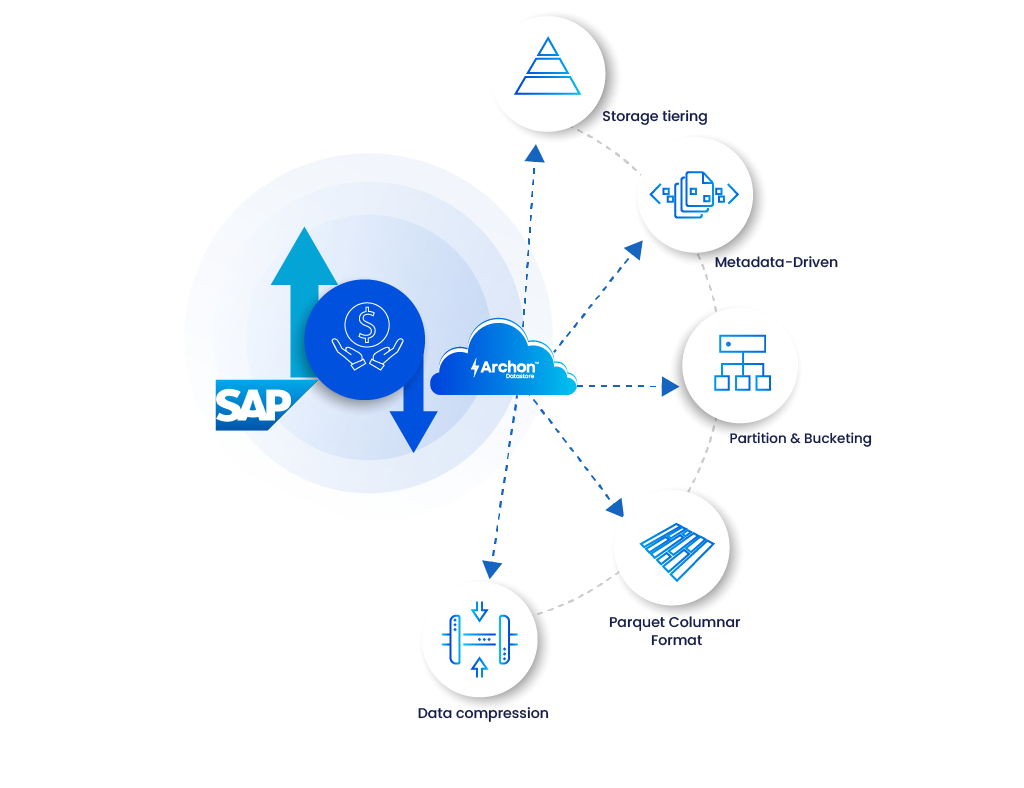
Keep HANA lean after go-live, with custom retention policies and lower-cost storage tiers.

Know More →

SAP ECC

Move less into S/4HANA, then retire ECC. Users keep familiar transaction screens.

Know More →

SAP ILM Archiving

Inactive data leaves running systems automatically, based on compliance need and actual usage.

Know More →

SAP Auxiliary Data

Clear out logs, old configuration data, and legacy files, and keep them ready for audits.

Know More →

How Archon fixes it 

Three moves take you from a heavy SAP estate to one you can switch off.

01 SAP Analyzer

Know What to Archive Before Anything Moves

Most SAP archiving projects stall in planning. Archon Analyzer™ gives you a fact-based scope first: what to archive, what to keep, and where sensitive data sits.

  • ✓
    ROT report: archive or delete with confidence
  • ✓
    Sensitive data map: masking in place before data moves
  • ✓
    Custom osbject inventory: no Z-table missed at extraction
  • ✓
    Reconciliation report: proof the archive matches the source
Diagram of data flow: business users access files from GOS screens, then to SAP ECC/S/4HANA purchase orders, content repository (OAC0) and SOFFCON1; new and existing files feed Archon Data Store (PDFs, Scans, Forms).
Infographic of a phased archiving workflow for SAP data: module tabs (FI/CO, MM/SD/PP, HR records, Custom Z-tables, GOS attachments, IDocs/logs), search bar labeled Archon Analyzer, three action cards Archive, Keep in SAP, Delete, status chips for Sensitive fields flagged and Custom Z-tables mapped, and a bottom blue bar reading 'Phased archiving roadmap by module and data type'.
02 ADK Migration

SAP ADK Archive Migration: Read Your Archives Without SAP

Years of SARA runs have left much of your history in ADK files that only open through SAP. Archon moves that content out. You can access ADK files after decommissioning and stop paying to keep SAP alive. 

  • ✓
    Records you can use: search and report on ADK content
  • ✓
    One search: across archiving objects and every source system
  • ✓
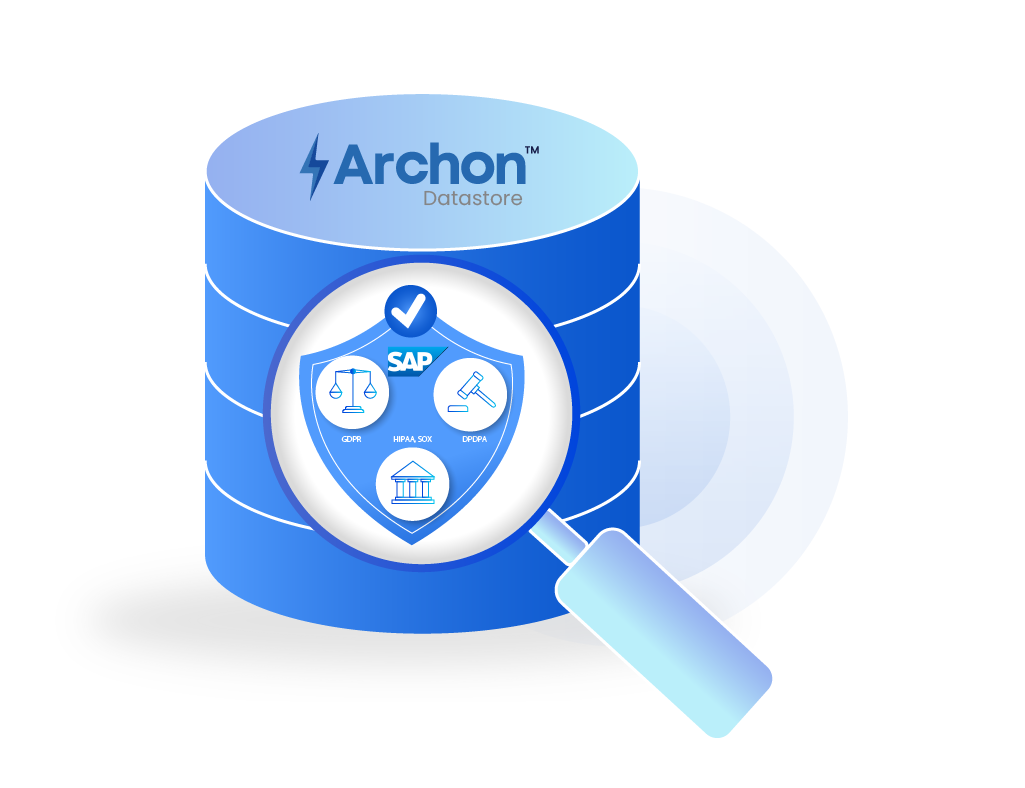
    Tamper-proof: every record hashed, timestamped, and WORM-protected
03 Content Archiving

SAP Content Archiving: A Smaller HANA, the Same Attachments

PO PDFs, scanned invoices, and signed HR forms pile up in SOFFCONT1. Reducing SAP SOFFCONT1 table size gives you a smaller HANA footprint, shorter backups, and faster system copies. Users still open every attachment from the same GOS screens. 

  • ✓
    New attachments: one OAC0 change routes them to Archon. Users notice nothing.
  • ✓
    Existing content: extracted with full metadata, validated, and link-checked.
Infographic of ECC data workflow: SAP ECC always on, ADK archive files, licensing pills, and Archon migration steps (1 Extract, 2 Validate, 3 Ingest) with Archon Data Store and searchable archived objects.

Platform Capabilities

What Your Teams Get Every Day

Auditors Self-Serve, No SAP Training

Archived records appear in screens that mirror familiar SAP transactions. No SAP GUI needed.

Answers From a Search, Not a Ticket

Query Visualizer gives metadata search, dashboards, and reports across every archived system.

Custom Tables Without Custom Projects

Z-tables come out through a connector and mapping layer. No ABAP archiving objects to build.

Personal Data Protected From Day One

Pseudonymization at ingestion, plus masking, tokenization, and role-based access.

Still running ECC just to read old data?

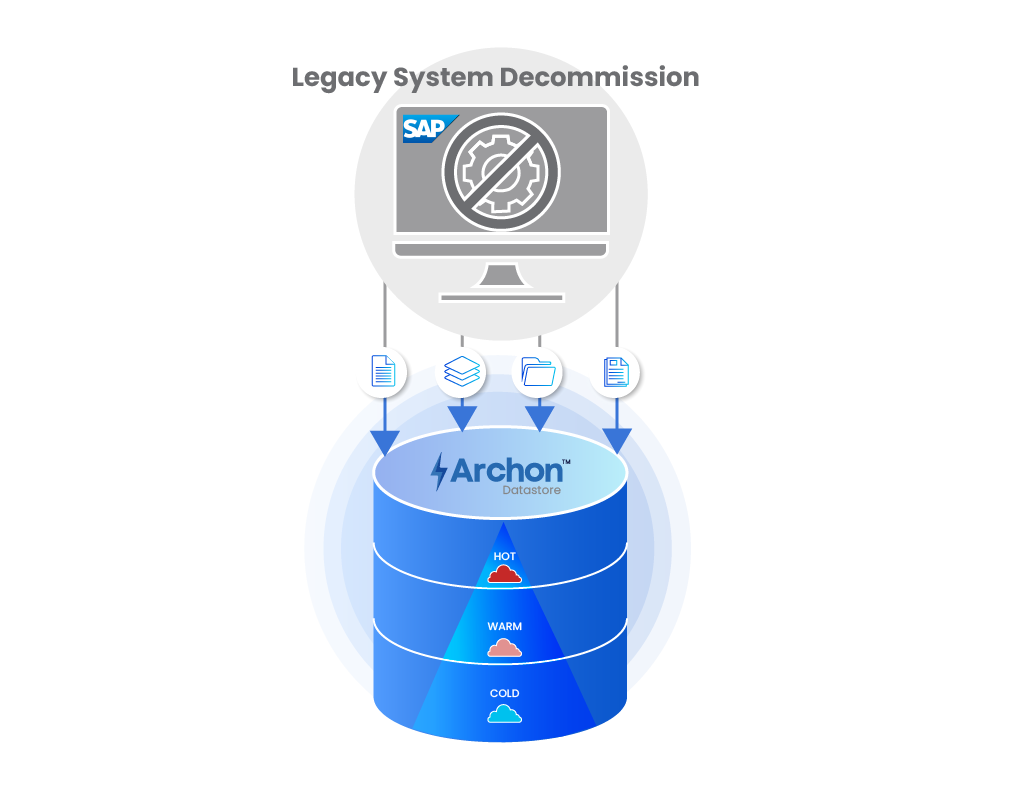
Move that data, its documents, and its ADK files into one archive your auditors can search. Then drop the server, the license, and the Basis effort. 

Archon vs. SAP Native Archiving

What you need SAP native (ADK, SARA, ILM) Archon
Archive inside a live SAP system ✓ Yes ✓ Yes, on SAP's standard process
Reach archived data after SAP is switched off ✕ No ✓ Yes
Read archives without SAP GUI or a license ✕ No ✓ Yes
Bring existing ADK files along Not applicable ✓ Yes
Search across archiving objects and systems at once ◐ Partial: within one SAP system ✓ Yes
Archive SOFFCONT1 and GOS content ◐ Partial: needs a certified content server ✓ Yes, with Archon ArchiveLink
Tamper-proof (WORM) storage built in ◐ Partial: needs a certified third-party store ✓ Yes
Retention and legal hold that outlive the source system ✕ No: configured in the live system ✓ Yes
Archive custom Z-tables ◐ Partial: needs custom objects and ABAP work ✓ Yes, no ABAP project
Keep non-SAP systems in the same archive ✕ No ✓ Yes
Pseudonymize archived personal data ✕ No ✓ Yes
Profile data before archiving ◐ Partial: table-level analysis (for example, TAANA) ✓ Yes, with Archon Analyzer™

Proof

Results From Real SAP Landscapes

Global logistics company 37 TB Removed, and the S/4HANA migration unblocked Cut from ECC, BW, and SOFFCONT1, on schedule and with zero data loss. Read the case study →
Global apparel and accessories enterprise 40% Smaller database before S/4HANA $1.3M saved in storage, 60% better SAP performance, and 65% less time on audit prep. Read the case study →

Common Questions About SAP Archiving

  • 1. What is the difference between SAP data archiving and SAP document archiving?

    Data archiving handles structured records, such as financial documents, sales orders, and purchase orders. Document archiving handles unstructured content, such as scanned invoices, PDFs, and GOS attachments, usually through SAP ArchiveLink. Both grow the SAP footprint, and most landscapes need both. Archon covers structured data, ADK files, and SOFFCONT1 content in one archive, so a record and its attachments stay linked.

  • 2. Can you access SAP ADK files after decommissioning SAP? Not through standard

    interfaces, because ADK files are read back through the SAP system that wrote them. Once that system is switched off, the archive is effectively locked. The fix is to migrate ADK content before retirement. With Archon, ADK data becomes structured records you can search through prebuilt views, with no SAP license or SAP GUI.

  • 3. Should you archive SAP data before migrating to S/4HANA?

    Yes, in most cases. Archiving before conversion reduces the data volume you migrate, which shortens conversion runtime and downtime and lowers HANA sizing. It also forces clear decisions on how much history the new system needs. In one Archon program, archiving removed about 37 TB from an ECC and BW landscape and made the S/4HANA move practical.

  • 4. What is SOFFCONT1 and how do you reduce it?

    SOFFCONT1 is the SAP table that stores the binary content of documents and attachments, such as GOS files. It often grows into one of the largest tables in an SAP database. You reduce it by moving existing content to an external repository and routing new attachments there through ArchiveLink. Archon does both, so users still open attachments from the same GOS screens.

See How Much Lighter Your SAP Estate Could Be 

Start with an analysis of your SAP data. You’ll see what to archive, what to keep, and what it takes to switch old systems off.

Related Blogs

Read the latest from Archon Data Store's team to learn more about the world of data management.

SOFFCONT1 often becomes one of the largest SAP tables because every attachment, workflow document, and GOS file gets stored directly …

SAP ADK files are proprietary archive files that store historical SAP business data and typically require SAP runtime environments or …

SAP modernization is incomplete until legacy systems are fully retired, not just migrated. Legacy SAP systems continue running mainly …

Legacy SAP ECC systems hold decades of data, increasing costs, migration complexity, and compliance risk. With ECC support ending in …

Archon © 2026, All rights reserved.